
I once watched a friend buy a “brand new, sealed” phone off a local marketplace app. Three weeks later, the battery was swelling and the fingerprint sensor stopped working entirely. He’d saved maybe $80 compared to buying from a proper shop. That $80 cost him a repair bill twice as large, plus a lot of frustration.
That’s the used phone market in a nutshell. Great deals exist. So do fake units, quietly refurbished phones sold as new, and devices with problems that only surface after you’ve paid. None of this means you should avoid used phones altogether. It just means you check things properly before money changes hands.
None of the checks below require technical expertise. They just require patience, and maybe a flashlight.
Why This Is Worth Your Time
Refurbished units get passed off as new more often than people assume. Sellers swap in cheap replacement parts and leave the outside looking untouched. Battery problems and software issues get buried under a spotless screen. And once you’ve handed over cash to an individual seller, getting it back is rarely straightforward.
Give it twenty minutes. That’s usually all a proper inspection takes, and it’s nothing next to the price of a new device. It also means that if something does go wrong later, you’re not left wondering whether you missed something obvious.
1. Verify the IMEI Number
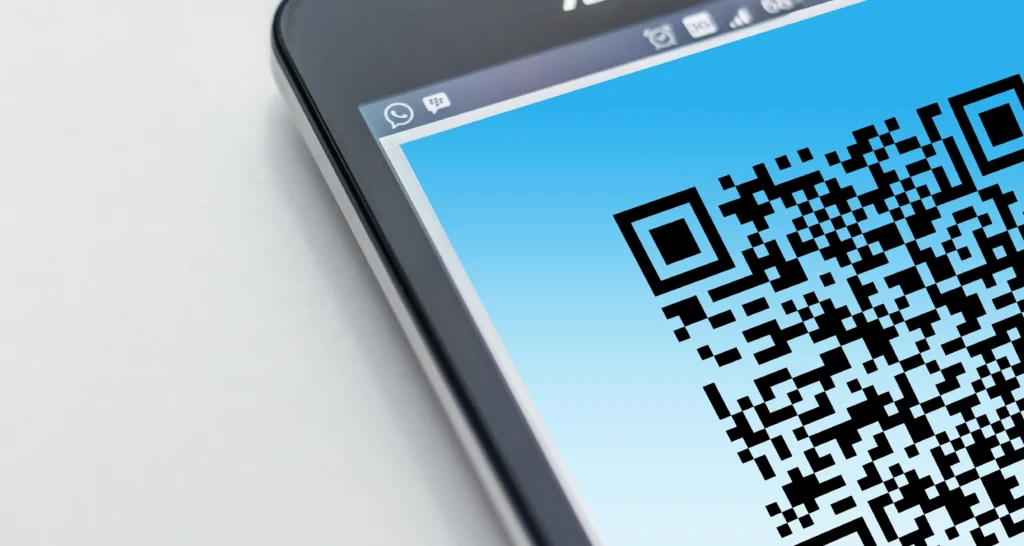
Start here. Every phone carries a unique IMEI, essentially a fingerprint for that exact unit. Dial *#06# and it’ll pop up on screen, or find it under Settings > About Phone.
Match that number against the one printed on the box, if there is one. They need to line up exactly. Most countries also let you check IMEI status through a telecom authority website, which tells you whether the device has been reported lost or stolen.
If a seller hesitates when you bring this up, or the number doesn’t match, that’s your answer. Walk away. A phone can look flawless and still fail this one check.
2. Look at the Box and Packaging
Genuine boxes tend to be sturdy, cleanly printed, and properly sealed. You’ll usually find a warranty card and manual tucked inside too. Fakes give themselves away with dull print quality, odd logo spacing, or the occasional spelling mistake.
Plenty of honest sellers don’t bother keeping the original box, and that’s fine on its own. But when a box does show up, it’s worth thirty seconds of your attention before you even switch the phone on.
3. Examine the Physical Build
Do this under real light, not the dim glow of a café table. Run your eyes along the edges for uneven gaps, mismatched panel colors, or screws that look chewed up from a screwdriver. Phones that have been opened and patched together sometimes show slightly different-colored components where the casing meets.
Weight matters more than people think. A model that feels noticeably lighter or heavier than the official spec sheet is worth questioning. Trust that instinct if something feels wrong in your hand, even if you can’t immediately explain why.
4. Test the Screen Properly
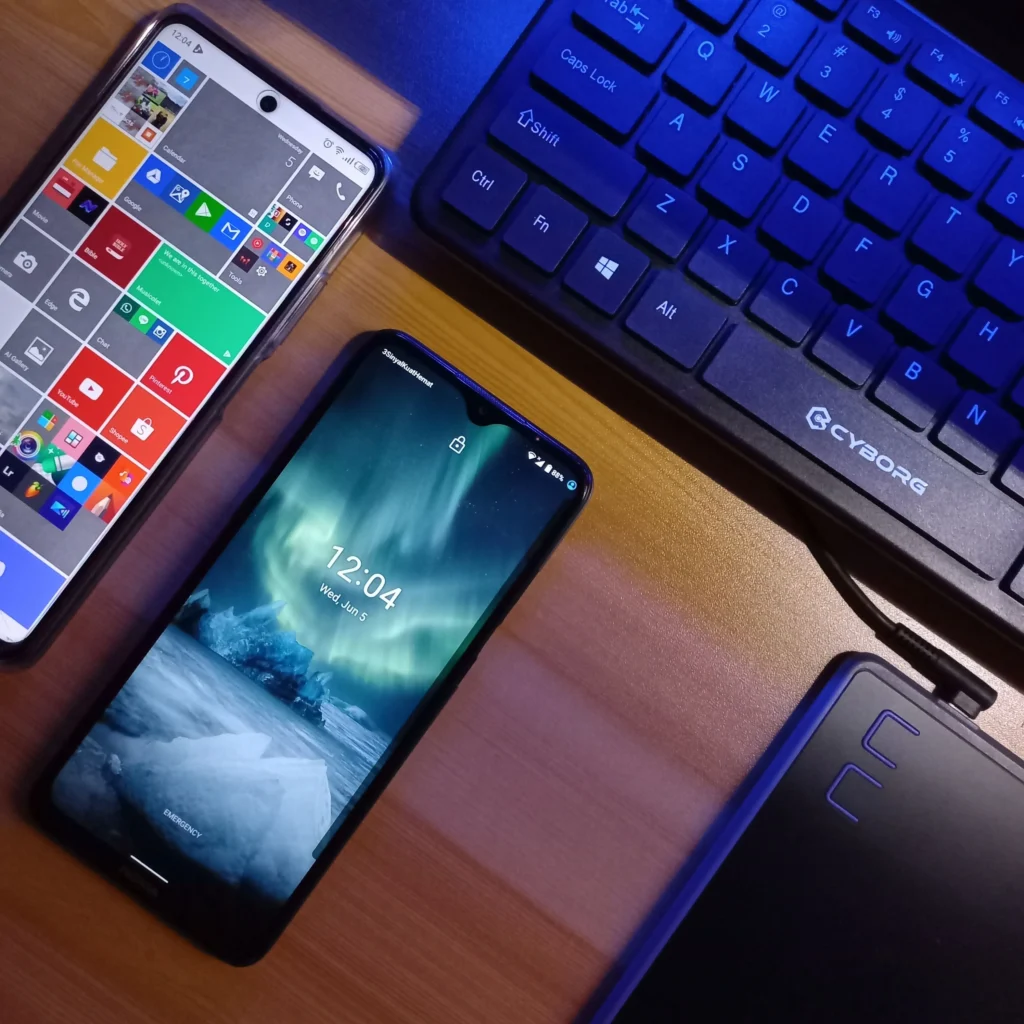
Push the brightness all the way up and pull up a plain white background. Scan it slowly, corner to corner, watching for dead pixels, dark patches, or faint discoloration. Flickering under bright white is easy to miss unless you’re looking for it.
Then check touch response the same way. Swipe from every corner, not just the center of the screen. Aftermarket replacement panels sometimes lag or go unresponsive near the edges, and it’s the kind of flaw you’d never catch glancing at a phone in a shop window.
5. Check Battery Health
This one number tells you a lot. On iPhones, it’s under Settings > Battery > Battery Health. Android phones usually bury similar data in a diagnostics menu, or you can pull it from a third-party app.
Above 85% is generally a reasonable sign for a used device. Much lower than that, and you’re likely looking at a battery replacement in the near future, which adds real cost on top of the purchase price. Ask the seller how old the unit is too. Even a rough answer helps you build a fuller picture.
6. Check Software and Updates
Real phones get official updates straight from the manufacturer, and that history is visible in settings. A long gap since the last update, or an update menu that looks unofficial, is worth questioning before you commit.
Pay attention to general behavior too. Random crashes, slow app loading, or odd glitches during ordinary use can be a sign of hidden hardware trouble. Some tampered phones run modified software specifically to mask those problems, and it often behaves just a little differently from the real thing.
7. Test Every Port, Button, and Sensor
Screen and battery aren’t the whole story. Plug in headphones and confirm sound comes through cleanly on both sides. Record a short voice memo to check the microphone. Slide a SIM card in and make sure it reads without fuss, and do the same for a memory card slot if one exists.
Press every physical button, including volume and power. None of them should stick or feel loose. If the phone has fingerprint or face unlock, test both. A single failed check here can point to something bigger underneath.
8. Ask for Proof of Purchase
A legitimate seller can usually produce the original receipt, or at least explain clearly where the phone came from. This isn’t only about confirming authenticity. It also helps rule out a stolen device.
An evasive answer here, paired with a mismatched IMEI or a suspiciously low price, is a combination worth taking seriously.
9. Be Wary of Prices That Seem Too Low
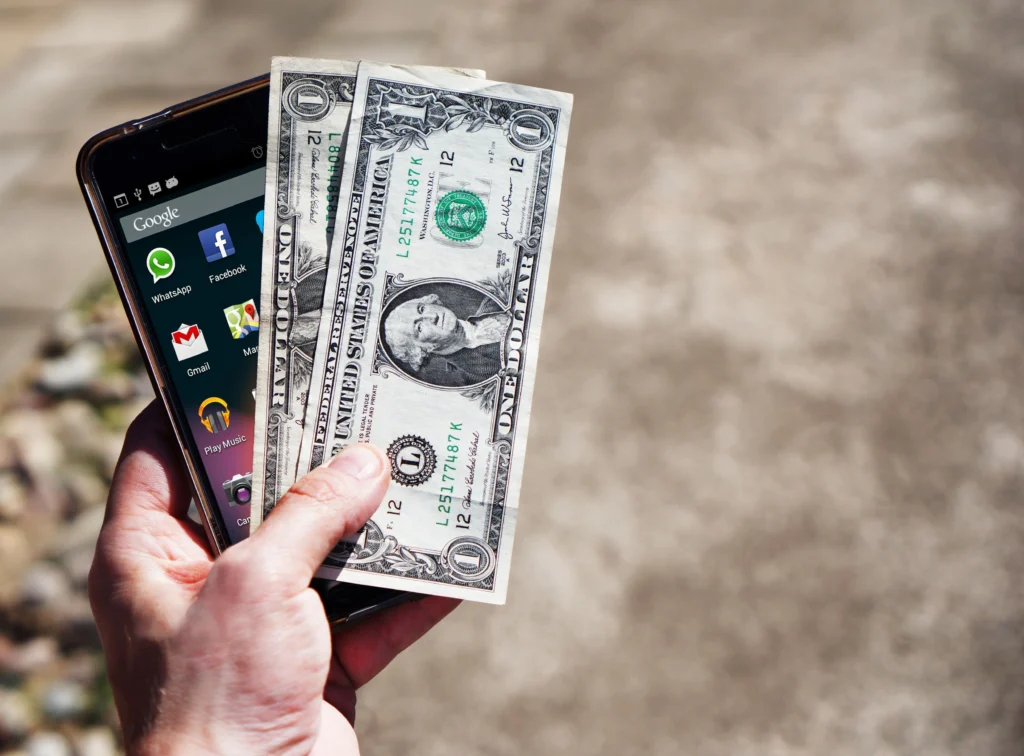
A price far below similar listings for the same model deserves a second look. Sometimes it really is just someone who needs quick cash. More often, it signals hidden damage, swapped parts, or a device with a questionable history.
Spend a few minutes comparing listings for the same model, condition, and storage size before deciding. One outlier price is a prompt to dig deeper, not a reason to rush.
A Few Extra Habits Worth Building
Meet the seller in person whenever you can, especially for anything expensive. Photos and descriptions can’t replace actually running through these checks yourself with the phone in hand.
Bringing along someone more tech-savvy helps too, if you’re not confident doing this solo. A second set of eyes catches things you might miss, like a slightly off shade of color or a weight that just feels wrong.
And pay attention to the interaction itself, not only the device. Sellers who rush you, dodge direct questions, or push for an instant decision are usually hiding something. People with nothing to hide tend to let you take your time.
Final Thoughts
None of this needs to feel like a gamble if you work through it methodically. Most checks here take just a few minutes each, and together they paint a pretty clear picture of what you’re actually buying. Start with the IMEI; it rules out stolen or blacklisted units before you invest time in anything else. From there, work through the physical inspection, battery health, and software checks before any money changes hands.
Buying from an established shop instead of an unknown individual online lowers your risk considerably, even at a slightly higher price. A little patience up front beats a phone that ends up costing more in repairs than it ever saved you.
Frequently Asked Questions
How do I check if a phone’s IMEI number is genuine?
Dial *#06# on the phone to get its IMEI number, then compare it to the one printed on the box, if available. You can also check the IMEI status through your country’s telecom authority website to confirm it isn’t reported lost, stolen, or blacklisted.
What battery health percentage is acceptable for a used phone?
Above 85% is generally considered a good sign for a used phone. Anything significantly lower means you’ll likely need a battery replacement soon, which adds extra cost on top of the purchase price.
Can a refurbished phone still be a good buy?
Yes, if it’s honestly sold as refurbished and properly inspected. The main issue is when refurbished phones are sold as brand new without disclosure. Checking the IMEI, battery health, and software history helps you spot this either way.
What should I do if the seller refuses to show proof of purchase?
Treat it as a warning sign. Combined with an unclear IMEI or an unusually low price, a missing proof of purchase often points to a phone worth avoiding, since it may be stolen or otherwise problematic.
Is it safe to buy a used phone from an online marketplace?
It can be, but it carries more risk than buying in person. Whenever possible, meet the seller face to face so you can run through all the checks yourself, rather than relying only on photos or descriptions.
Why is a very low price a warning sign when buying a used phone?
A price far below similar listings for the same model often means the phone has a hidden issue, fake parts, or questionable origins. It’s always worth comparing prices across a few sellers before deciding.