Buying a smart TV used to be simple. Now you’re stuck comparing display types, resolutions, refresh rates, and operating systems. Every brand out there claims theirs is the best one on the shelf. It’s a lot to take in, especially when you’re spending real money on something you’ll be staring at every single day for the next several years.
Here’s the good news, though. You don’t actually need to understand every spec printed on the box, just the ones that matter for how you’ll use the TV. A gamer has different priorities than someone who mostly watches movies on weekends. A small bedroom has different needs than a big living room. Let’s go through the stuff that genuinely makes a difference. That way, whether you’re in a store or scrolling an online listing, you’ll actually know what you’re looking at.
1. Understanding Display Types: LED, OLED, and QLED
This is usually the first thing that trips people up, and honestly, it’s understandable. LED TVs are the most common option out there, and they’re the most budget-friendly too. They use a backlight to light up the screen. It works fine, but it can’t produce true blacks like some other technologies can.
OLED takes things a step further. Each individual pixel lights up on its own, so black areas can literally switch off. That gives you deeper contrast and richer colors in darker scenes. The catch is price. OLED panels usually cost more than your standard LED option.
QLED sits somewhere in the middle. It still relies on a backlight like LED TVs do. But it adds a layer of quantum dots on top, boosting color accuracy and brightness. If your room gets a lot of natural light, QLED usually performs better than OLED. It can push brighter without losing detail. If you’re mostly watching in a dark room and contrast is your priority, OLED is worth the extra spend. If brightness and color pop matter more to you, QLED is a pretty solid middle ground.
2. Screen Resolution: HD, Full HD, 4K, or 8K
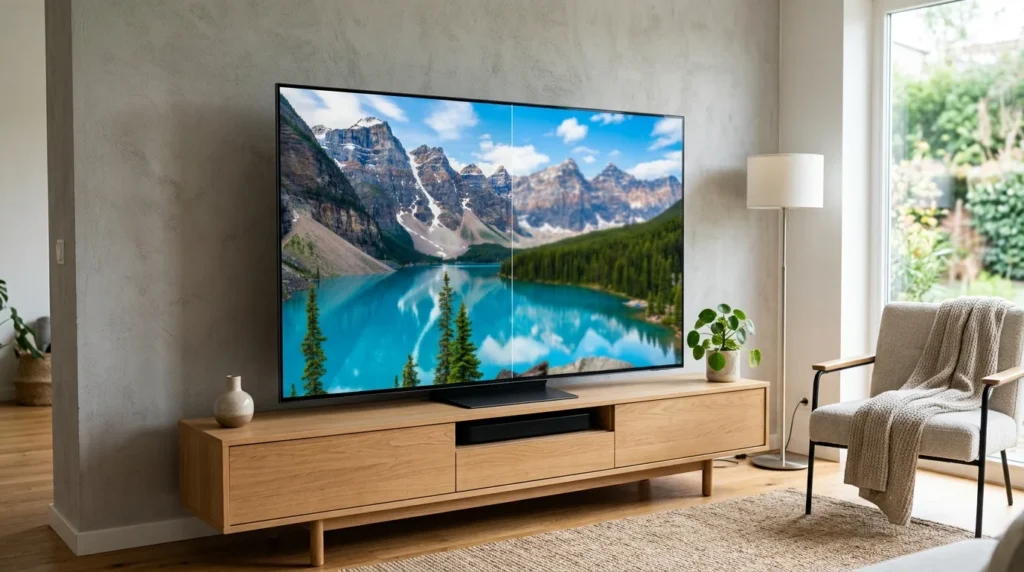
Resolution is basically how sharp and detailed the picture looks. HD and Full HD were the standard for years. 4K has taken over now, even on mid-range TVs. It packs in four times the detail of Full HD, and that difference really shows on bigger screens.
8K TVs do exist, but honestly, most people don’t need one right now. There’s barely any native 8K content out there yet. The difference is hard to notice unless you’re sitting really close to a massive screen. Unless you’ve got a specific reason to future-proof your purchase, 4K is the sweet spot for most buyers in 2026. You get excellent picture quality without the inflated 8K price tag.
3. Choosing the Right Screen Size for Your Room
Bigger isn’t always better, no matter what the salesperson tells you. Screen size should match your room and how far you’ll actually be sitting from it. A 65-inch TV might look incredible in a spacious living room. But it can feel completely overwhelming in a small bedroom where you’re sitting just a few feet away.
Here’s a rough rule of thumb. Take your viewing distance in inches and divide it by somewhere between 1.5 and 2.5 to get the ideal screen size. So if you’re sitting about 8 feet away, that’s roughly 96 inches. That lands you somewhere in the 40 to 65-inch range, depending on preference. Smaller rooms usually work best with 32 to 43-inch sets. Bigger living rooms can comfortably handle 55 inches or more. Measure your space before you buy anything. Sounds obvious, but it’s genuinely one of the most common mistakes people make.
4. Processing Power and Refresh Rate
The processor inside a smart TV does more than most people give it credit for. It handles picture processing, upscales lower-resolution content to fit your 4K screen, and keeps the interface running smoothly. A weak processor can mean laggy menus, apps that take forever to load, and picture adjustments that just don’t look as sharp. That happens even on TVs with a genuinely great panel.
Refresh rate matters too, especially if sports or gaming are part of your routine. A 60Hz refresh rate is standard and works fine for most everyday content. But 120Hz makes fast motion look noticeably smoother. It cuts down on blur during action scenes or quick camera pans. If you game a lot or watch a ton of live sports, go for the higher refresh rate. For general TV watching and movies, 60Hz does the job just fine.
5. Sound Quality: Why It Matters More Than You Think
This one gets overlooked constantly, and it shouldn’t be. TVs have gotten thinner and thinner over the years. Thinner TVs simply don’t have room for decent speakers inside. That means built-in audio on most modern sets, even the pricey ones, tends to sound flat and thin, without much bass.
If sound quality matters to you, and honestly it eventually matters to most people, look into a soundbar or an external speaker setup. You don’t need to spend a fortune here. Even a basic soundbar can dramatically improve dialogue clarity and give the sound some actual depth. Some higher-end TVs do come with better audio setups out of the box. If you’d rather skip buying extra gear, check reviews specifically for sound quality first.
6. Smart TV Operating System and App Support
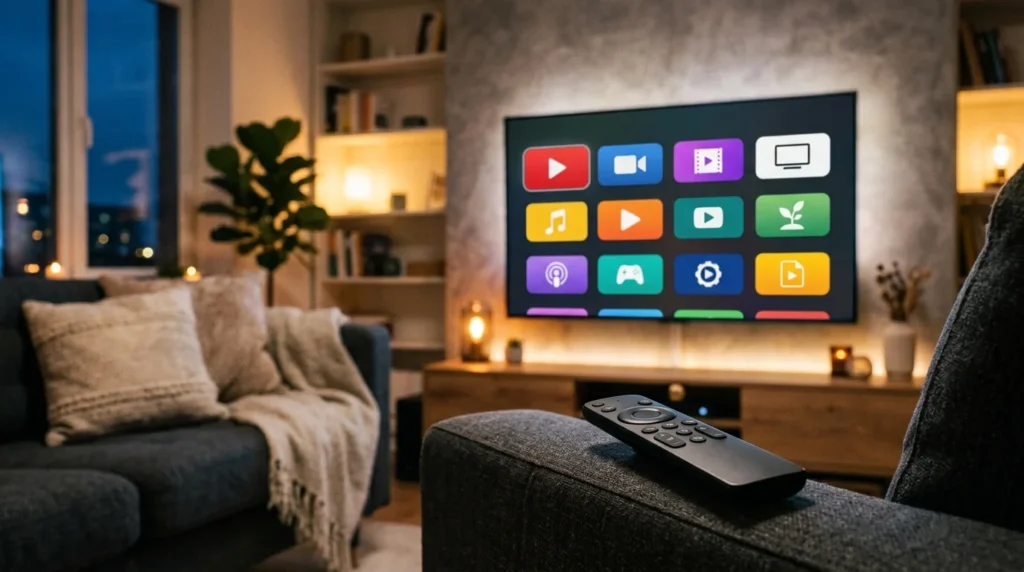
The operating system decides how you’ll actually interact with your TV every single day, so it’s worth paying attention to. Google TV and Android TV give you a huge app library along with deep integration with Google’s ecosystem. That’s great if you’re already using an Android phone.
Roku is known for being simple and fast. The interface stays clean and never feels cluttered. It’s a favorite among people who just want to open an app and start watching without jumping through extra steps. WebOS, mainly used by LG, gives you a smooth, polished-looking interface. It also has solid smart home integration. Before you buy anything, check whether your favorite streaming apps actually run well on that platform. Not every operating system handles every app equally well. Dealing with missing or glitchy apps after you’ve already bought the TV is genuinely annoying.
7. Connectivity Options You Shouldn’t Overlook
It’s tempting to focus purely on picture and sound quality, but ports matter more than people expect once they’re actually setting the thing up. Check how many HDMI ports the TV has. This matters especially if you’re hooking up a gaming console, a soundbar, and a streaming device all at once. Running out of ports a year down the line is a common, and pretty annoying, problem to have.
If you’re a gamer, look specifically for HDMI 2.1 support. It allows for higher frame rates and noticeably better performance on newer consoles. WiFi and Bluetooth support matter too, especially if you want wireless headphones or a setup that isn’t drowning in cables. It’s a small detail, sure, but it’s easy to overlook until you’re already unboxing the TV and realizing you’re one port short.
8. Gaming Features Worth Checking
If gaming is a big reason you’re upgrading, there are a few extra things worth checking beyond just the refresh rate. Input lag is probably the most important one. It’s basically the delay between pressing a button and actually seeing that action happen on screen. Lower input lag means a more responsive experience, and that matters a lot in fast-paced or competitive games.
Variable Refresh Rate, or VRR, is another feature worth hunting for. It syncs the TV’s refresh rate with whatever your console or PC is outputting. This cuts down on screen tearing and stuttering during gameplay. A lot of newer TVs also come with a dedicated “game mode.” It automatically reduces input lag and tweaks picture settings the moment it detects a console. If gaming genuinely matters to you, don’t just glance at resolution and refresh rate. Dig a little deeper into these gaming-specific features too.
9. Brand Reliability and After-Sales Support
A TV is something you’ll own for years, so it’s worth thinking past just the specs on day one. Check the warranty period and what it actually covers. This can vary a lot between brands. Some only offer a year of coverage. Others extend it specifically for the panel, sometimes for much longer.
It’s also worth digging into how easy it is to get help if something goes wrong. Are there service centers anywhere near you? Do other buyers mention smooth repairs, or do they complain about long delays and poor service? A slightly cheaper TV from a brand with weak after-sales support can end up costing you way more time and frustration. Spending a bit extra on a brand known for good service is often worth it.
10. Setting a Realistic Budget
Once you’ve figured out which features actually matter to you, set a budget and try to stick close to it. It’s really easy to get talked into a pricier model because of one shiny extra feature. That can snowball fast if you’re not paying attention.
Instead of chasing the most expensive TV you can technically afford, focus on getting the best combination of features for what you specifically need. A gamer might care more about refresh rate and input lag than premium sound. A movie lover might care more about display and audio than gaming features they’ll never touch. There’s really no universal “best” TV out there, just the one that actually fits how you live.
Final Words
Buying a smart TV doesn’t have to feel overwhelming once you know what to actually look for. Start with display type and resolution. Those affect picture quality the most. Then think about size relative to your room, processing power for smooth day-to-day performance, and sound quality. Built-in speakers rarely impress anyone on their own. Round it all out by checking the operating system and connectivity options, plus the gaming-specific features if that’s part of the picture. Keep brand reliability and your budget in mind the whole time. You’ll end up with a TV that actually fits your life, not one that just looks impressive on a spec sheet.
Frequently Asked Questions
Which is better for a smart TV: LED, OLED, or QLED?
It depends on your room and priorities. OLED gives the deepest blacks and contrast, ideal for dark rooms. QLED gets brighter and works better in rooms with lots of natural light. LED remains the most budget-friendly option overall.
Is 8K worth buying in 2026?
Not really, for most people. There’s very little native 8K content available yet, and the difference is barely noticeable unless you’re sitting close to a very large screen. 4K remains the better value for most buyers right now.
What size TV should I buy for my room?
A simple rule: divide your viewing distance in inches by 1.5 to 2.5 to estimate the ideal screen size. Smaller rooms usually suit 32 to 43-inch TVs, while larger living rooms can comfortably fit 55 inches or more.
Do I need to buy a separate soundbar for my smart TV?
Not always, but it helps. Modern TVs are thin, which limits speaker quality, so built-in audio often sounds flat. A basic soundbar can noticeably improve dialogue clarity and overall depth without a big investment.
Which smart TV operating system is the best?
It depends on your needs. Google TV offers the widest app library and Google integration. Roku is known for a simple, fast interface. WebOS, used by LG, offers a polished look with strong smart home features.
What should gamers look for when buying a smart TV?
Focus on a high refresh rate (120Hz), low input lag, HDMI 2.1 support, and Variable Refresh Rate (VRR). Many TVs also include a dedicated game mode that automatically optimizes settings for console use.