There’s nothing quite as frustrating as watching your phone battery drop from 40% to 10% faster than expected. It usually happens right when you need it most navigating somewhere new, waiting on an important call, or simply trying to get through a full day without being tied to a charger. It’s a common frustration. For most of us, it’s a habit problem more than a hardware problem.
The truth is, your battery doesn’t have to degrade as quickly as it usually does after a year or two of use. Much of the wear we put on our batteries is avoidable. We just never learned what actually causes it. Charging overnight, leaving apps running in the background, or keeping the screen unnecessarily bright all seem harmless in the moment. But they add up over time. Once you understand what’s actually draining and wearing down your battery, the fixes are fairly simple. Below are 10 practical tips that make a real difference, along with the reasoning behind each one.
1. Avoid Charging to 100% Every Time
Most of us assume a full charge is the “correct” way to charge a phone, similar to filling up a car’s gas tank. But phone batteries don’t work quite the same way. Consistently charging to 100%, or letting the battery drop all the way to 0%, actually accelerates long-term wear.
Lithium-ion batteries power nearly every modern smartphone. They perform best when kept between roughly 20% and 80% charge. Pushing a battery to its extremes puts additional stress on its internal chemistry, which speeds up degradation over time. It’s similar to how consistently pushing a car engine to its limits wears it out faster than driving it moderately.
Fortunately, this doesn’t require manually tracking your battery percentage throughout the day. Many phones now include an “optimized charging” or “battery care” setting. It learns your daily routine and automatically slows charging once it reaches a high percentage. Turning this on is usually enough to handle the problem passively.
2. Avoid Leaving Your Phone Plugged In Overnight
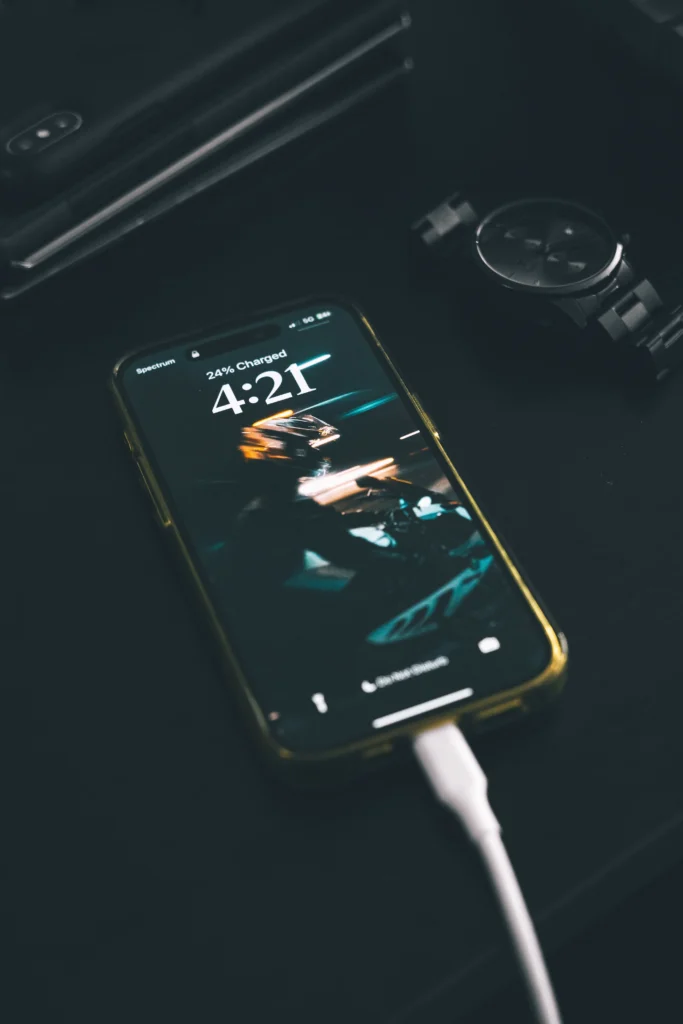
Charging overnight is a common habit. Plug it in before bed, wake up to a full battery. The issue is that most phones reach 100% within an hour or two. They then spend the remaining hours simply sitting at a high charge, occasionally “topping off” as it loses small amounts of charge. That’s several hours of unnecessary stress on the battery for no real benefit.
Many newer phones include built-in protection against this. They pause charging near 100% and resume closer to your usual wake-up time. If your phone doesn’t offer this feature, try a simpler alternative: charge during the day in shorter sessions, or plug in a bit later in the evening rather than right before bed. Even a small shift, like charging while getting ready in the morning, can reduce long-term wear.
3. Use Power Saving Mode Proactively
Power saving mode is often reserved for moments when the battery is nearly depleted. But it’s worth using earlier in the day as well. This mode typically dims the screen slightly, slows background processes, limits how frequently apps refresh, and reduces visual effects. These changes are barely noticeable during normal use, but they add up meaningfully over several hours.
Try enabling it during a commute, a meeting, or any period when you’re unlikely to use demanding features like gaming or video calls. It can preserve a noticeable amount of battery without requiring any change in how you use your phone.
4. Review What’s Running in the Background
Background activity is one of the least visible drains on battery life. Apps you haven’t opened in days may still be refreshing content, checking for updates, or syncing data without your knowledge. Over time, this quiet activity can account for a significant portion of daily battery use.
Check your phone’s battery settings, usually under Settings > Battery, to see which apps are consuming the most power. It’s common to find one or two apps often social media, shopping, or news apps using far more than expected. Restrict background activity for apps that don’t require real-time updates. You’ll still get normal notifications when you open the app, but the quiet background drain will drop noticeably.
5. Turn Off Wi-Fi, Bluetooth, and Location When Not in Use
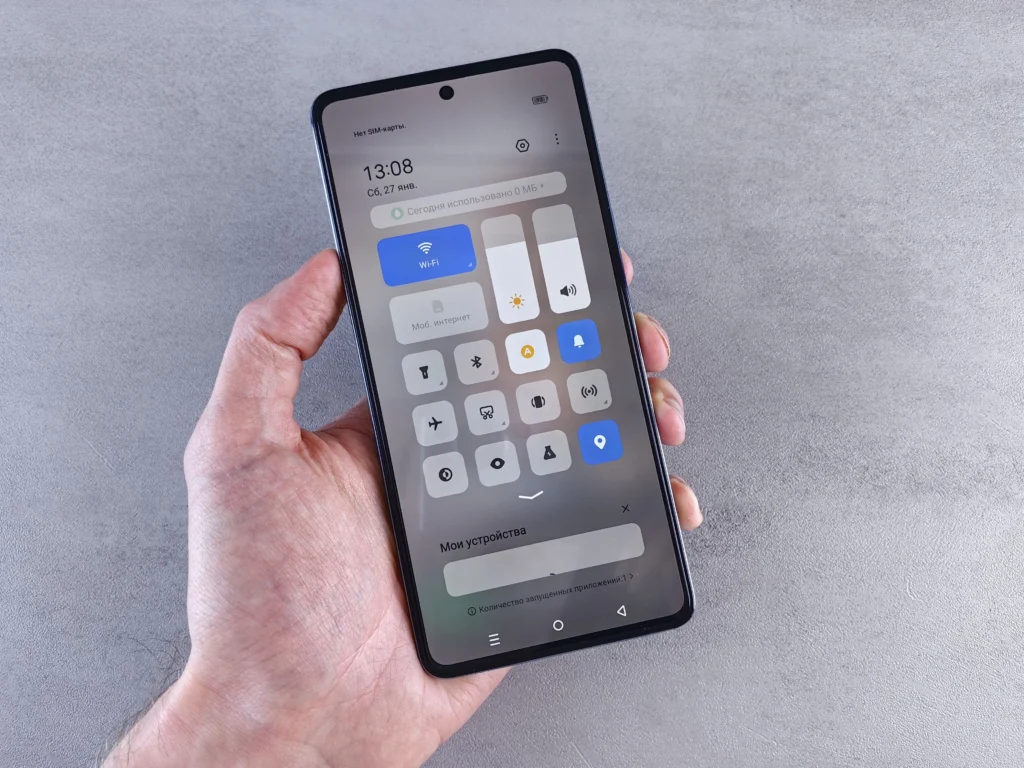
Smartphones are frequently scanning for something in the background. This includes available Wi-Fi networks, nearby Bluetooth devices, or your current location for various apps. Individually, none of this drains the battery quickly. But combined and sustained over hours, it becomes a measurable drain.
It isn’t necessary to disable these constantly. Turning them off when you know you won’t need them say, when you’re away from Wi-Fi or not using paired devices gives the battery a meaningful break. Location tracking in particular can be more draining than expected, especially for apps set to track location at all times rather than only while in use.
6. Pay Attention to Screen Brightness and Timeout
The display is typically the single largest consumer of battery on any smartphone, more so than any individual app or background process. Auto-brightness generally does a reasonable job adjusting to your surroundings. But many people override it and keep brightness high out of habit, even when it isn’t necessary.
Screen timeout settings matter as well. A shorter timeout say 15 seconds instead of 30 reduces the amount of time the display stays lit unnecessarily after each use. Most people check their phones dozens of times a day. This small adjustment compounds into a meaningful difference by the evening.
7. Enable Dark Mode
OLED or AMOLED displays are standard in most phones released in recent years. On these screens, dark mode offers a genuine hardware-level power saving, not just a visual preference. These displays illuminate individual pixels rather than relying on a constant backlight. Black pixels essentially turn off and consume almost no power, while bright or white pixels require more energy to display.
Try switching frequently used apps messaging, social media, your browser to dark mode. It can result in a noticeable reduction in battery use over the course of a day. It’s also one of the simplest changes on this list, since most major apps already support it.
8. Protect Your Phone From Extreme Heat
Heat is one of the more damaging factors affecting battery health, and it’s often overlooked. Sometimes it matters more than charging habits. Leaving a phone on a car dashboard in direct sunlight, charging it under a pillow or blanket, or exposing it to prolonged sunlight can accelerate battery degradation. This kind of damage is often permanent.
Cold temperatures can also cause a temporary drop in battery percentage or unexpected shutdowns. This effect is usually reversible once the device warms up. Heat, on the other hand, causes lasting damage to the battery’s actual capacity. Be mindful of where you place your phone, particularly while charging, since charging naturally generates some heat on its own.
9. Keep Software Up to Date
Software updates are often postponed because they feel inconvenient. But they typically include more than new features or security patches. Many updates contain battery optimization improvements, sometimes significant ones.
Manufacturers regularly adjust how the operating system manages background processes, app requests, and overall power distribution. In some cases, updates fix bugs where a specific app was silently draining battery for an extended period. Staying current with updates ensures the phone benefits from these improvements. It costs nothing beyond the time it takes to install them.
10. Carry a Power Bank for Heavier Usage Days
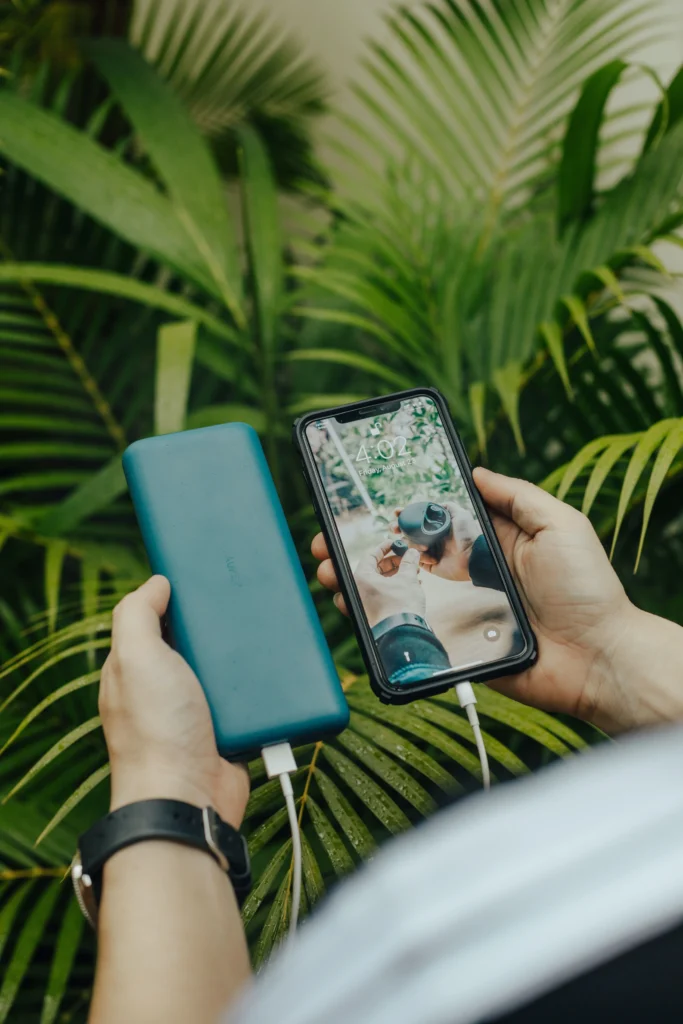
Even with careful habits, some days involve heavier phone use than usual. Extended navigation, long calls, streaming while traveling, or extensive photo and video use all add up. No amount of optimization fully offsets genuinely high usage on a given day.
A power bank is a practical solution rather than a shortcut. It removes the need to search for an available outlet in unfamiliar places. It also reduces the temptation to plug into any nearby outlet and let the phone sit at 100% for extended periods a habit that, as covered earlier, isn’t ideal for long-term battery health.
Final Thoughts
None of these changes require a complete overhaul of how you use your phone. They’re mostly small, low-effort adjustments: avoiding extreme charge levels, reducing background activity, being mindful of heat and screen habits, and keeping software updated. No single tip will transform battery performance overnight. But applied consistently together, they lead to a noticeable improvement in both daily battery life and the phone’s long-term health.
Frequently Asked Questions
Is it bad to charge my phone overnight?
Charging overnight isn’t dangerous, but it does mean your phone sits at a high charge for several extra hours, which adds unnecessary stress on the battery over time. Most modern phones have protection against this, but unplugging closer to full charge is still a healthier habit.
Should I let my phone battery drain to 0% before charging?
No. Letting a lithium-ion battery fully drain regularly actually accelerates wear. It’s better to charge in shorter bursts and keep the battery roughly between 20% and 80%.
Does using my phone while it’s charging damage the battery?
It’s not ideal, mainly because it generates extra heat, which is more damaging to the battery than the charging itself. Occasional use while charging is fine, but heavy use like gaming or video calls while plugged in should be avoided when possible.
Does dark mode really save battery?
Yes, but only on OLED or AMOLED screens. These displays turn off individual pixels for black content, which uses less power. On older LCD screens, dark mode has little to no effect on battery life.
How long does a phone battery usually last before it needs replacing?
Most phone batteries are designed to retain around 80% of their original capacity after roughly 500 full charge cycles, typically 2 to 3 years of normal use. Following good charging habits can extend this significantly.
Is fast charging bad for battery health?
Fast charging generates more heat than standard charging, which can contribute to slightly faster wear over time. It’s fine to use occasionally, but relying on standard charging speeds for daily use is gentler on the battery long-term.