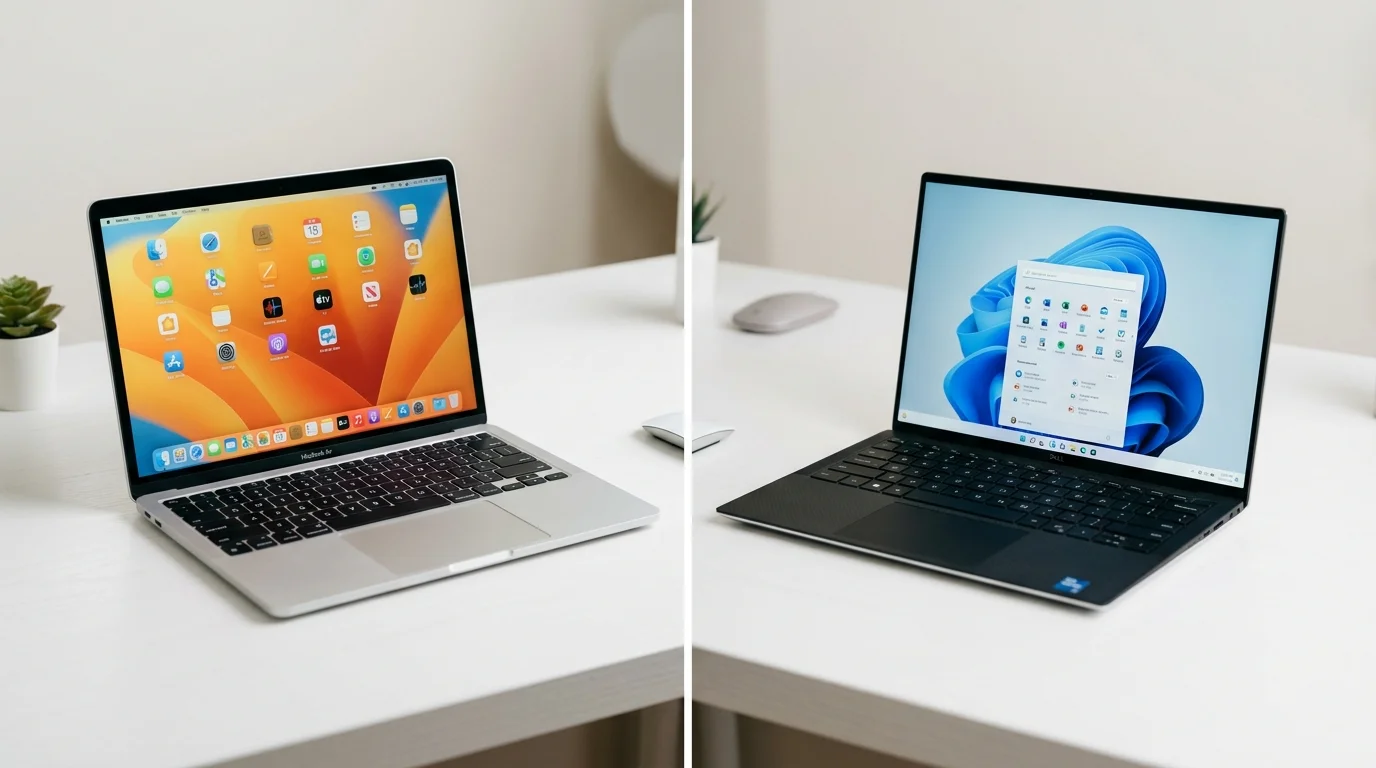
Choosing a laptop for content creation feels bigger than picking any other piece of tech. It’s the tool you’ll edit videos on, design graphics with, and rely on for hours every single day.
Both MacBook and Windows laptops have gotten seriously powerful. But they take different approaches, and those differences actually matter once you’re deep into a real editing project.
This guide breaks down how the two platforms compare across the things creators actually care about. That means rendering speed, battery life, software support, and price. By the end, you’ll know which one fits your specific workflow.
Why This Decision Matters More for Creators Than Casual Users
A casual user mostly browses, emails, and streams video. Their laptop rarely gets pushed hard. A content creator is different. Editing 4K footage, running Photoshop layers, or exporting a long video all stress a laptop’s processor and cooling system.
This is why the MacBook vs Windows debate hits differently for creators. Small performance gaps become real time savings, or real frustration, once you’re exporting projects regularly.
Performance: Where Apple Silicon Has an Edge
Apple’s M-series chips have become genuinely impressive for creative work. They handle video editing, photo editing, and heavy multitasking with strong efficiency. Export times for video projects are often noticeably faster on a MacBook than on a similarly priced Windows laptop, especially when working in Apple’s own Final Cut Pro.
Windows laptops counter this with raw hardware variety. You can choose a laptop with a discrete NVIDIA GPU, which speeds up rendering in software like Premiere Pro or DaVinci Resolve through hardware-accelerated encoding. For 3D work or GPU-heavy rendering, a Windows laptop with a strong graphics card can actually outperform a MacBook.
In short, MacBooks tend to win on efficiency and battery-friendly performance. Windows laptops win when you need serious, dedicated GPU power for specific creative software.
Battery Life: A Clear Apple Advantage
This is one of the more consistent differences between the two platforms. Many MacBook models comfortably deliver 15 to 20 hours of real-world battery life. That’s enough for a full day of editing without hunting for an outlet.
Windows laptops vary a lot here. Ultra-portable models can get respectable battery life, but laptops with powerful discrete GPUs tend to drain much faster under creative workloads. If you often edit on location or work from cafes, this gap is worth taking seriously.
Fan Noise and Thermal Management
Fan noise doesn’t show up on a spec sheet, but it affects your daily experience. Many MacBooks stay completely silent during everyday editing tasks, only spinning up fans under heavy sustained load.
Windows laptops with powerful GPUs tend to get noticeably louder under pressure. This matters if you’re recording voiceovers, taking client calls while rendering in the background, or just prefer a quiet workspace.
Software: Which Creative Tools Run Best Where
Most major creative software runs well on both platforms now. Adobe’s Creative Cloud apps, including Premiere Pro, Photoshop, and Lightroom, perform strongly on modern Windows hardware and on Apple Silicon Macs alike.
The clearest software advantage for macOS is Apple’s own Final Cut Pro, which is tightly optimized for M-series chips and offers some of the fastest export times available on any consumer laptop. If you’re not tied to Final Cut, this advantage matters less.
Windows holds the edge in raw software variety. It supports a wider range of specialized creative, engineering, and business applications, along with broader compatibility for niche plugins and older software that some studios and clients still rely on.
Design, Build Quality, and Ecosystem
MacBooks are known for consistent build quality across the lineup, along with a smooth, uncluttered interface. If you already use an iPhone or iPad, a MacBook adds real convenience through features like seamless file sharing and clipboard syncing across devices.
Windows laptops offer far more variety in design, screen size, and price point. You can choose anything from an ultra-light 13-inch laptop to a 16-inch creator workstation with a color-accurate 4K display, depending on exactly what your work demands.
Price: Where Windows Usually Wins
Windows laptops generally offer more configuration options at lower price points. You can find capable Windows laptops for content creation well below the cost of an equivalent MacBook Pro, especially if you don’t need a high-end discrete GPU.
MacBooks tend to hold their value better over time and rarely go on deep discount. If budget is your primary constraint, Windows generally gives you more creative power per dollar, particularly at the entry and mid-range tiers.
Gaming and Multi-Purpose Use
If your laptop needs to double as a gaming machine outside of content creation work, Windows remains the clear choice. Most major games are built and optimized for Windows first, and the wide range of GPU options makes it far easier to find a laptop that handles both editing and gaming well.
Gaming on macOS has improved, but the game library and driver support still lag well behind Windows. If gaming matters to you at all, factor this into your decision.
Which One Should You Actually Buy?
If you value long battery life, quiet operation, and a smooth editing workflow in Final Cut Pro, a MacBook is the stronger choice. It’s especially worth it if you’re already invested in Apple’s ecosystem with an iPhone or iPad.
If you need a dedicated GPU for heavy rendering, want more hardware and price flexibility, or plan to game on the same machine, a Windows laptop makes more sense. It also holds the edge if your work depends on specific Windows-only software.
Neither platform is objectively better for every creator. The right choice depends on your specific software, budget, and how you actually work day to day.
The Real Takeaway
The MacBook vs Windows debate for content creation isn’t about which platform is universally superior. It’s about matching the laptop to your actual workflow. MacBooks bring outstanding efficiency, strong battery life, and a famously smooth editing experience inside Apple’s own software. Windows laptops counter with more hardware variety, stronger GPU options, and broader software compatibility across a wider range of prices.
Think through what you edit most, which software you actually rely on day to day, and how much battery life and quiet operation matter to you. That’s a far better guide than simply picking whichever brand feels more familiar.
Frequently Asked Questions
It depends on the software. MacBooks tend to export faster in Final Cut Pro thanks to Apple Silicon. Windows laptops with a strong discrete GPU can match or beat that in Premiere Pro or DaVinci Resolve, since those tools lean on hardware-accelerated rendering.
MacBooks generally win here. Many models deliver 15 to 20 hours of real-world battery life. Windows laptops with powerful GPUs tend to drain much faster under creative workloads, especially during rendering or export.
Only for specific workloads. Heavy 3D rendering or GPU-accelerated video work benefits a lot from a discrete GPU, which favors Windows laptops. For most photo editing and lighter video work, Apple Silicon handles things efficiently without one.
Windows is the better choice for this. Most major games are built for Windows first, and GPU options make it easier to find a laptop that handles both editing and gaming well. Gaming on macOS has improved but still lags behind.
It depends on your priorities. If quiet operation, long battery life, and Final Cut Pro matter to you, it can be worth it. If you want more configuration options and lower prices, Windows generally offers more creative power per dollar.