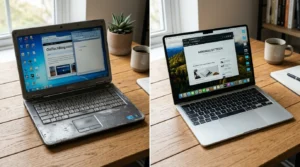
A used smartphone can save you real money often 30-50% off the price of buying new. It can also turn into an expensive mistake if you skip the right checks before handing over payment. The used phone market has grown substantially in recent years, and along with it, so has the range of things that can go wrong: blacklisted devices, accounts still locked to a previous owner, hidden internal damage that doesn’t show up in photos.
None of the checks below take more than a few minutes each. Running through all of them before you pay is what separates a genuinely good deal from a phone you’ll be arguing about a return policy for next week.
Start With the IMEI Check
Every phone has a unique 15-digit IMEI (International Mobile Equipment Identity) number, and checking it is one of the single most important steps in this entire process. An IMEI check tells you whether the phone has been reported lost, stolen, or blacklisted by a carrier. A blacklisted phone can work completely normally when you test it in person it’s only later, sometimes days or weeks after purchase, that carriers flag it and cut off network access entirely, leaving you with an expensive paperweight.
You’ll find the IMEI in Settings > About Phone on Android or Settings > General > About on iPhone, or by dialing *#06# on almost any device. You can also check it printed on the box or the SIM tray. Free tools like IMEI.info, CheckIMEI, or Swappa’s IMEI checker report status in seconds some carriers (like AT&T or Verizon in the US, or PTA in Pakistan) also let you check blacklist and registration status directly on their own site. Never skip this step, even if the seller seems completely trustworthy or you’re buying from someone you know. It costs nothing and takes under a minute.
Confirm It’s Not Locked to an Account
A phone still logged into the previous owner’s Apple ID or Google account becomes completely unusable the moment they choose to lock it remotely this is Activation Lock (iPhone) or Factory Reset Protection (Android), and it exists specifically to stop stolen phones from being resold and reactivated by someone else.
Before paying, ask the seller to fully sign out and perform a factory reset in front of you, or immediately before shipping if you’re buying remotely. On iPhone, check Settings > General > About > Carrier Lock, and separately confirm Find My iPhone is turned off under the seller’s account (visible if you try to set up the phone as new it should not prompt for a previous owner’s Apple ID password). On Android, check that the previous Google account isn’t still listed under Settings > Accounts, and confirm there’s no Factory Reset Protection lock by doing a test reset if the seller allows it. Never accept a phone that’s still tied to someone else’s account, regardless of how good the price looks there’s no reliable way to remove this lock after the fact without the original owner’s cooperation.
Check Carrier Compatibility and Unlock Status
A phone locked to a specific carrier may simply refuse to activate on your network, even if it’s in flawless physical condition. Ask directly whether the phone is factory unlocked, and get this confirmed rather than trusting the listing description alone you can verify unlock status yourself by inserting a SIM card from a different carrier and checking if it connects.
Carriers frequently finance phones over 12–36 month installment plans. If the previous owner still owes a balance, the carrier can block the phone from activating on any network including a different carrier regardless of who currently owns it physically. This is one of the most common and easily overlooked issues in the used phone market, and it’s genuinely not something you can spot just by looking at the device.
Test Battery Health Thoroughly
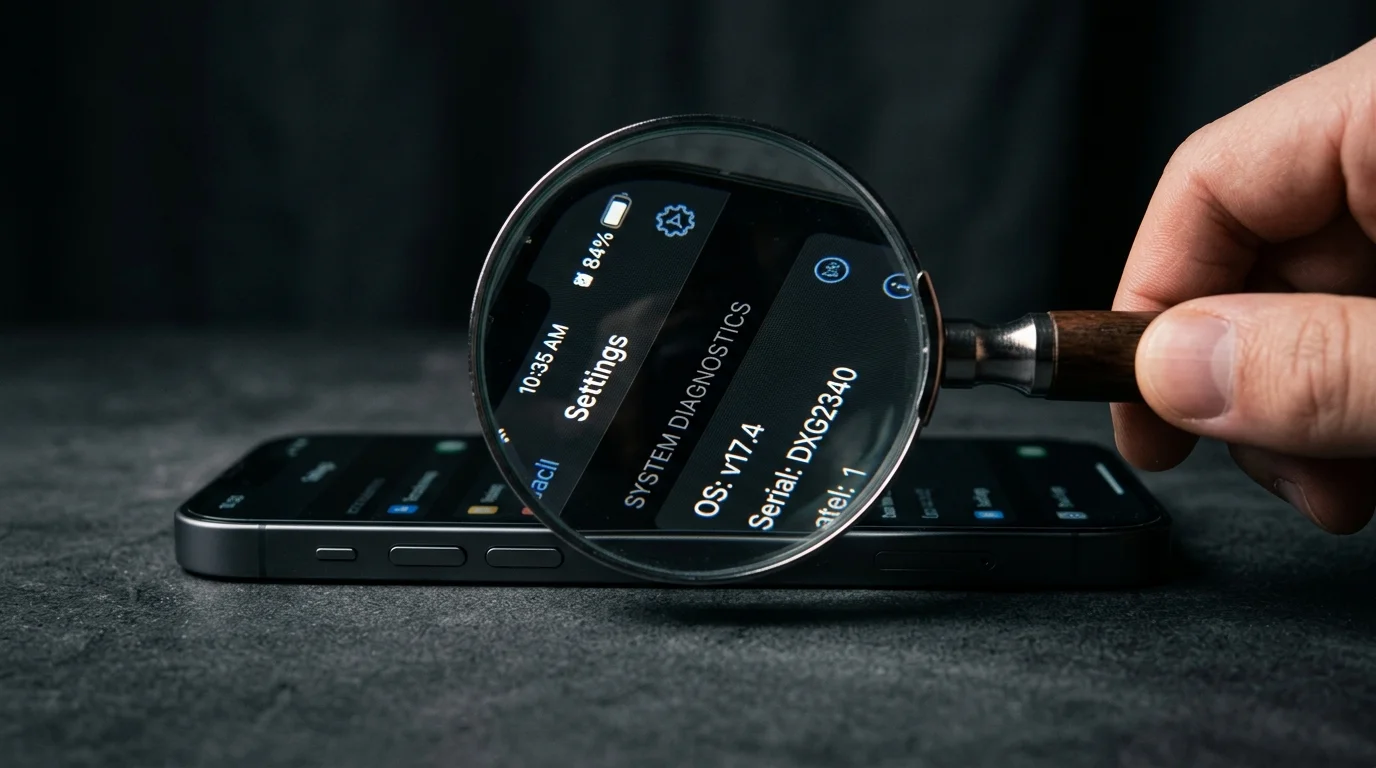
Battery health affects daily usability more than almost any other single factor, and thankfully it’s one of the easiest things to check precisely rather than guess at. On iPhone, go to Settings > Battery > Battery Health & Charging to see maximum capacity as a percentage of original design capacity. On Android, this varies by manufacturer Samsung shows it under Settings > Battery > Battery Health, while other brands may require a third-party app like AccuBattery.
Anything below 80% maximum capacity means noticeably reduced battery life expect to charge at least once, sometimes twice, during a normal day of moderate use. Factor this directly into your price negotiation (a worn battery typically justifies a $20–$40 discount, since replacement costs roughly that much at an independent shop), or walk away if the seller won’t budge and the discount doesn’t match the wear.
Inspect the Physical Condition Carefully
Look closely at the screen under bright light for scratches, hairline cracks, or discoloration screen damage is often more visible at an angle than straight on. Check the frame and back panel for dents, or gaps between the screen and body that can indicate a previous drop or repair. Light cosmetic wear is completely normal and expected on a used phone; what you’re really watching for is anything suggesting a repair with non-original parts, since aftermarket screens and batteries can affect touch responsiveness, color accuracy, and future repairability.
Also check the liquid damage indicators small stickers inside the SIM tray and, on some models, inside the charging port, that turn red, pink, or a different color after moisture exposure. A triggered indicator is a serious warning sign even if the phone currently powers on and works normally, since water damage often causes problems that surface weeks or months later, well after any return window has closed.
Test Every Function Before You Buy
Don’t just glance at the phone and assume it works actually run it through its paces. Make a real phone call to test the earpiece speaker and microphone together. Play a video or music to check the main speaker for distortion or one-sided sound. Press every physical button volume, power, home if present to confirm each one registers cleanly without sticking. Test the touchscreen across the entire display, paying particular attention to corners and edges, since dead zones there are easy to miss with casual tapping.
If at all possible, bring your own SIM card to the meetup and confirm the phone connects properly to your specific carrier’s network rather than just showing signal bars. This single test catches carrier-lock and network-band compatibility issues that a purely visual inspection would completely miss.
Check Software Support and Update History
A used phone might run perfectly well today and still stop receiving security updates uncomfortably soon after you buy it. Before purchasing, look up how many more years of software and security updates the specific model is scheduled to receive for reference, recent flagship iPhones typically get 5-6+ years of iOS updates from release, while Android support varies widely by brand, from as little as 2 years on budget models to 5-7 years on recent Samsung or Google Pixel flagships.
This matters more than most buyers expect going in. A phone that’s stopped receiving security patches becomes increasingly vulnerable to malware and exploits over time, even while it continues to function normally for everyday tasks like calls, texts, and browsing.
Compare the Price Against New and Refurbished Alternatives
A used phone isn’t automatically the smarter buy just because the sticker price is lower. A certified refurbished phone sold through the manufacturer, a carrier, or a platform like Amazon Renewed or Apple’s own refurbished store comes with a warranty (usually 90 days to a full year) and professional testing, and often costs only 10-15% more than an equivalent uncertified private listing. That gap frequently makes the refurbished option the smarter overall choice once you price in the peace of mind.
In other cases, a brand-new current-generation budget phone can match or beat an older used flagship in day-to-day performance, while including a full warranty and a fresh, un-degraded battery. Before committing to any used listing, spend ten minutes comparing prices across used, certified refurbished, and new budget alternatives in the same range the used option doesn’t always win once you look at the full picture.
Choose a Reputable Seller
Where you buy matters almost as much as what you’re buying. Certified refurbishers and established marketplaces (Swappa, Back Market, Gazelle, or carrier trade-in programs) typically offer return policies, warranty coverage, and at least some pre-sale testing baked into the process. Private sellers with no reviews, no track record, or a profile created recently carry meaningfully more risk, regardless of how attractive the listed price is.
Check seller ratings and transaction history before committing to a meetup or payment. Be willing to walk away from any deal that feels rushed, or from a seller who deflects basic questions about the phone’s IMEI status, battery health, or repair history a seller with nothing to hide will usually answer these without hesitation.
A Quick Pre-Purchase Checklist
Run through these essentials before you finalize any used phone purchase:
- Run an IMEI check to confirm the phone isn’t blacklisted or reported stolen
- Confirm the seller has fully signed out of any previous accounts and reset the phone to factory settings
- Verify carrier compatibility and unlock status directly, by testing with your own SIM if possible not just from the listing description
- Check battery health percentage in the phone’s settings, and factor any wear into your offer
- Test every physical button, the full touchscreen, speakers, microphone, and camera before completing the purchase
- Check remaining software update support for the specific model
- Compare the final price against certified refurbished and new budget alternatives before deciding
What This Comes Down To
Buying a used smartphone can be a genuinely smart financial decision but only if you actually run through the checks above rather than trusting a listing at face value. A few minutes spent verifying the IMEI, testing the battery, and inspecting the physical condition is what separates a great deal from an expensive regret a few weeks down the line.
Whether you buy from a certified refurbisher or a private seller you found online, treat these checks as non-negotiable steps rather than optional extras. That’s genuinely what protects your money here not luck, and not how trustworthy the seller seems in a five-minute conversation.
Frequently Asked Questions
An IMEI check tells you whether a phone has been reported lost, stolen, or blacklisted by a carrier. A blacklisted phone might work fine when you test it, then stop connecting to any network later. Always run this check before buying.
Anything below 80 percent means noticeably reduced battery life. Check this in the phone’s settings before buying, and factor a low percentage into your price negotiation or reconsider the purchase entirely.
Ask the seller to sign out of their Apple ID or Google account and perform a factory reset in front of you. For iPhones, check Settings, then General, then About, then Carrier Lock to confirm there are no restrictions.
Often, yes. Certified refurbished phones come with warranty coverage and professional testing, and sometimes cost only slightly more than an uncertified used listing. Compare both options before assuming the cheaper used listing is the better deal.
These are small stickers inside the SIM tray or charging port that change color after moisture exposure. A triggered indicator is a major warning sign, even if the phone currently works fine.